Table of Contents
FEFLOW
Exporting a GeoScene3D Layer Model to FEFLOW
FEFLOW is a finite-element based groundwater modeling software used to simulate subsurface flow and transport processes using geological layer models as a geometric framework. GeoScene3D can provide these geological layer models.
This workflow describes how to export a geological layer model from GeoScene3D and prepare it for use in FEFLOW.
Requirements
- GeoScene3D Layer Model (.grd)
- FEFLOW Supermesh coordinate file (.dat)
Step 1: Prepare the Layer Model in GeoScene3D
Open the Layer Model in GeoScene3D  (For info on how to create a Layer Model see: Building a layered model)
Ensure that:
- All relevant layer surfaces are present
- The model geometry is complete and consistent—-
Step 2: Prepare the Supermesh in FEFLOW
- Open your FEFLOW model
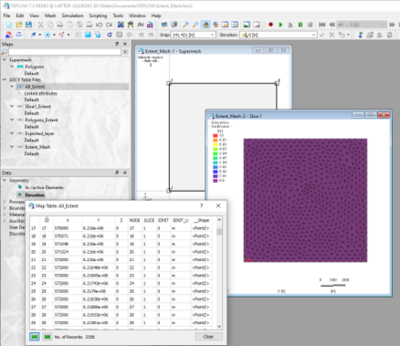
- Create a Supermesh covering the model area
- Export the mesh node coordinates to an ASCII file (.dat)
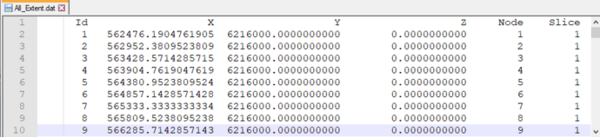


This file contains the x–y coordinates of the mesh nodes and will later be enriched with elevation (z) values from GeoScene3D.
Step 3: Merge Layer Model with FEFLOW mesh (GeoScene3D → FEFLOW)
- In GeoScene3D, go to Hydro…

and choose Export Layer Model to FEFLOW…
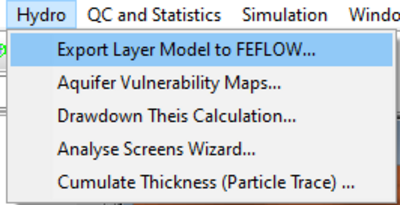
- The export wizard opens – click
Next >on the welcome page - Select the mesh coordinate file (.dat) exported from FEFLOW
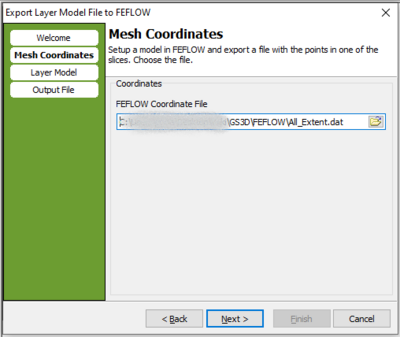
- Choose the surfaces from the Layer Model to be sampled
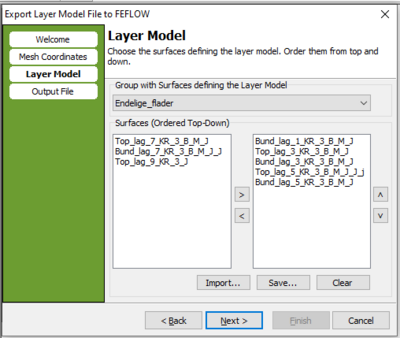
- Export the file and finish the wizard
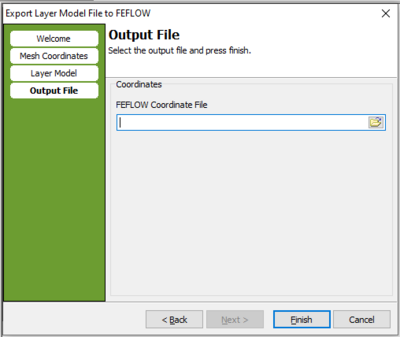


The exported file now contains z-coordinates sampled from the GeoScene3D layer model, linked to the original FEFLOW mesh nodes.
Step 4: Import into FEFLOW
- Import the updated .dat file into FEFLOW
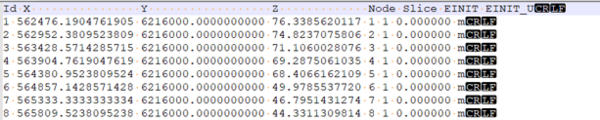
- The mesh nodes are now assigned elevations based on the GeoScene3D layer model
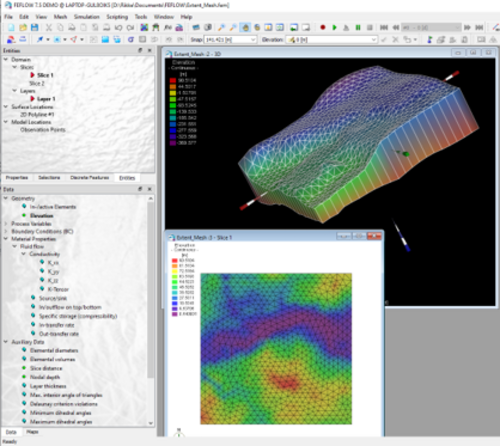


Result:
The geological surfaces from the GeoScene3D layer model are now incorporated to the FEFLOW model geo-metry. This enables groundwater flow and transport simulations in FEFLOW based on the geological model created in GeoScene3D.