Table of Contents
Pseudo Well
This tutorial shows how to visualize surfaces, layers and 3D grids by adding pseudowells.
- Placing a pseudo well point in the Map Window generates a pseudo well in GeoScene3D based on available data in the GeoScene3D project (3D grids, surfaces and solid layers). The well position can be moved around by dragging or by adding specific coordinates.
Requirements
- An open project
Step 1. Add pseudo well
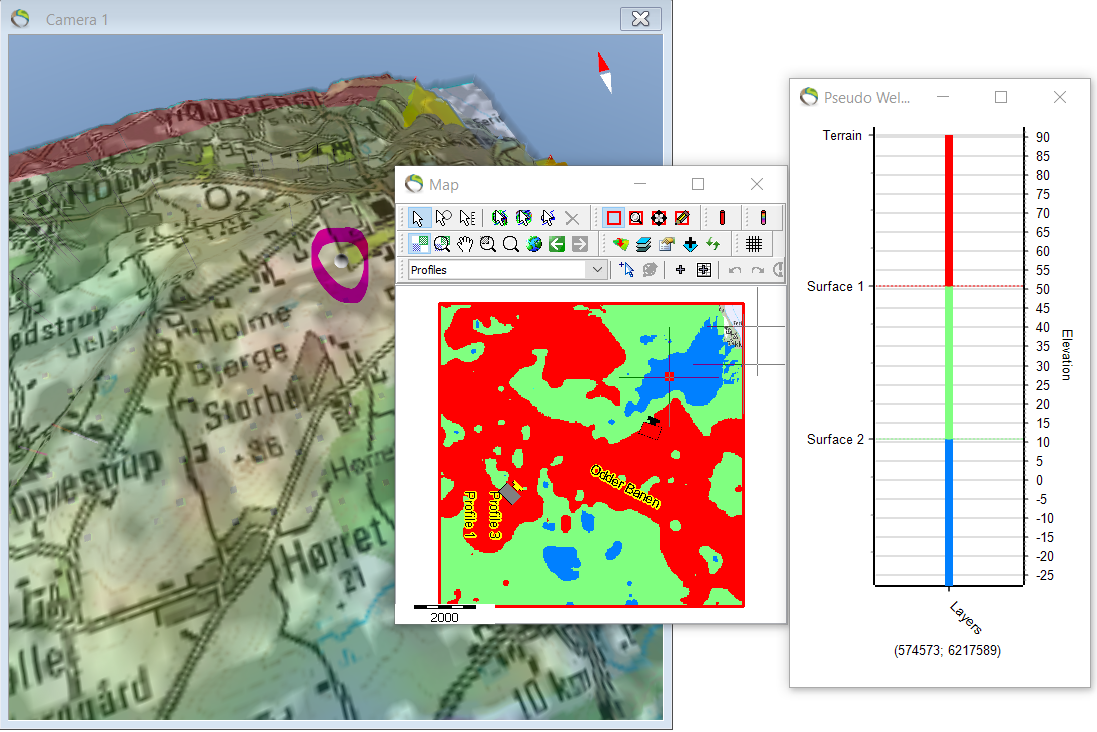
1. To place a pseudo well go to the map and click “Add a pseudo well by clicking on map”  and a chart of the pseudo well opens. A pin is also added to the 3D map marked on the picture with a purple circle.
Step 2. Edit the pin marking the pseudo well
- The pin in the 3D window can be manually moved by clicking on the pin itself.
- Also, the pin is not very distinct on the 3D map and can be further highlighted.
1. Hide the terrain map in Object Manager for better visualization of the pin.
2. Object Manager → right click “Pseudo Well” → Object Properties → Material → Color….

- The size of the handle (the head of the pin) can be enlarged for better visualization e.g. from 50 to 200.
3. Object Manager → rightclick “Pseudo Well” → Object properties → Handle → Size.
- In the 3D map the pin in the upper right corner has been enlarged.

Step 3. Edit general settings for pseudo well
- Different parameters for the pseudo well can be edited.
1. Oject Manager → right click Pseudo Well → General.
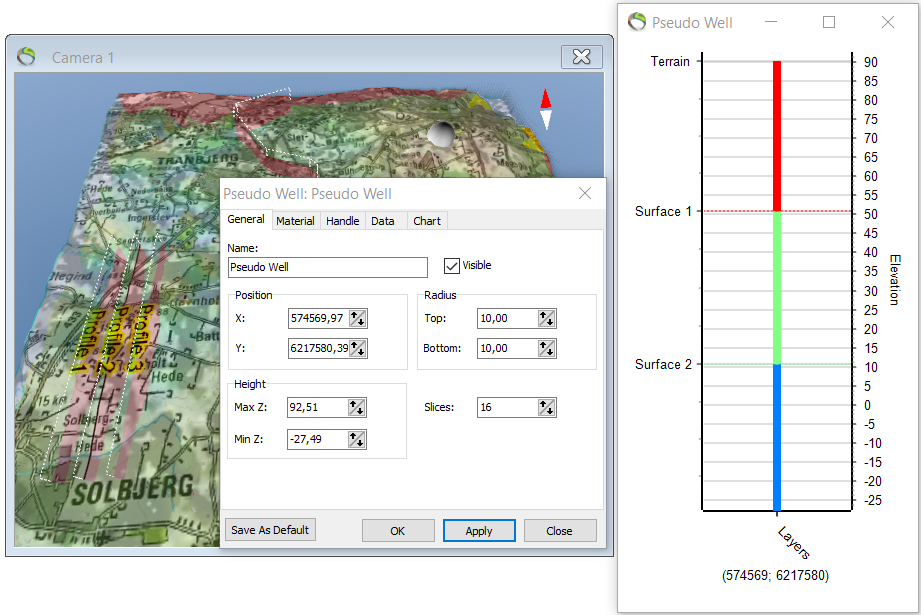
- Coordinates for placement of the pseudo wells. “Position”
- The elevation of the pseudo well chart. “Height”.
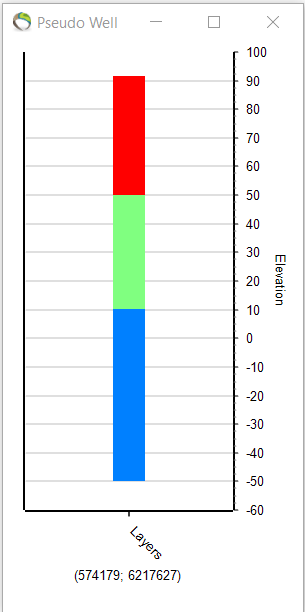
- In the picture below the “height” values have been edited to -60 and 100.

Step 4. Results
- Also the appearance of the pseudo well itself can be edited. In the previous picture labes in between the layers was visible. This labels can be removed. See next picture.
1. Object Manager → right click Pseudo Well → Data → 2D grids. Uncheck everything.
- The width of the bar itself can also be edited in “Chart”. Here it has been edited from 6 to 15.